Cases that don't fall through the cracks
Service cases, service agreements and work orders with time and materials in the same system as the customer. The planner assigns, the technician records on site, and the case can be invoiced the same day.
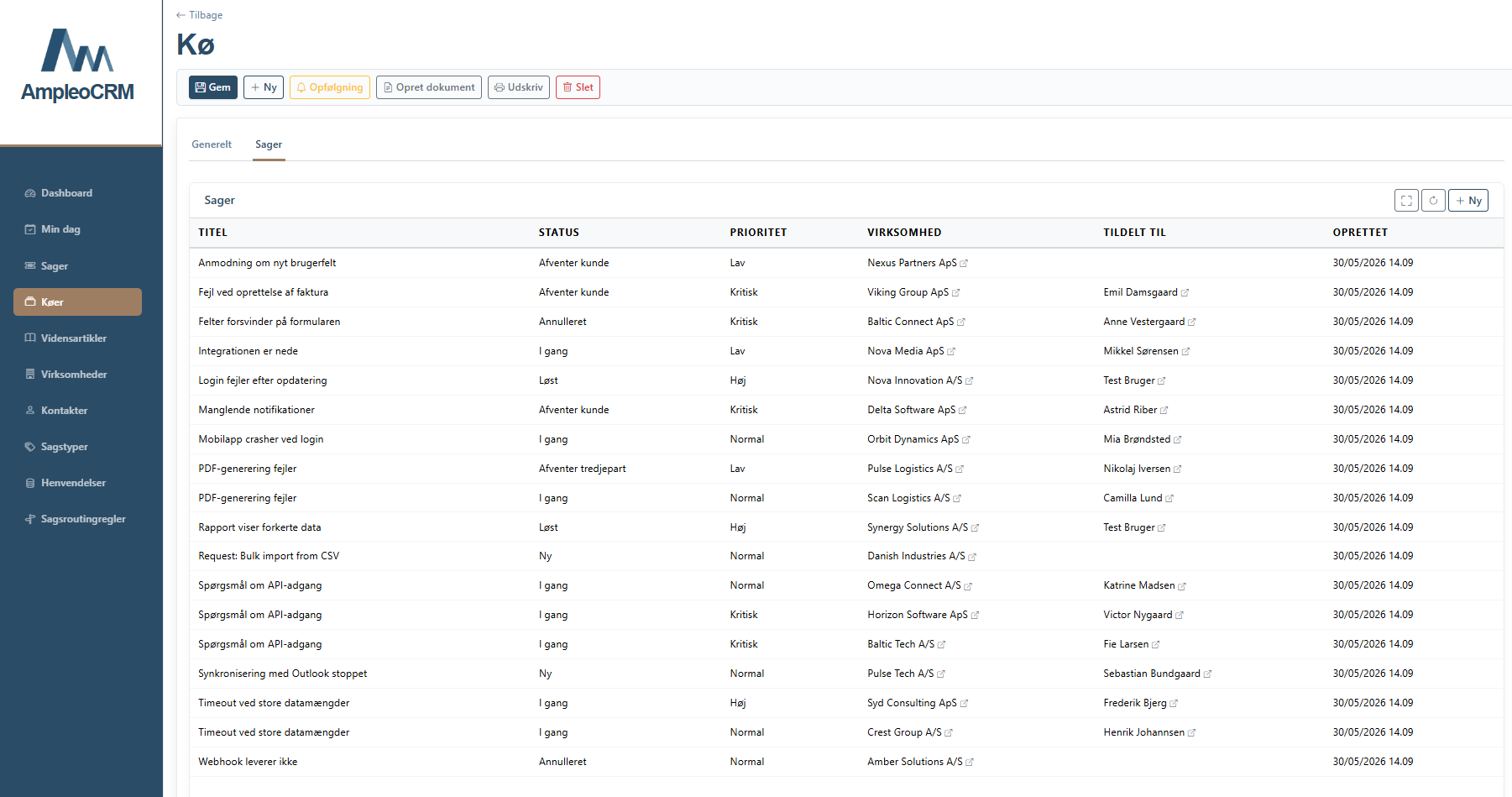
Service queue and board
Cases and support tickets gather in queues and are assigned on a board or by assignment rules.
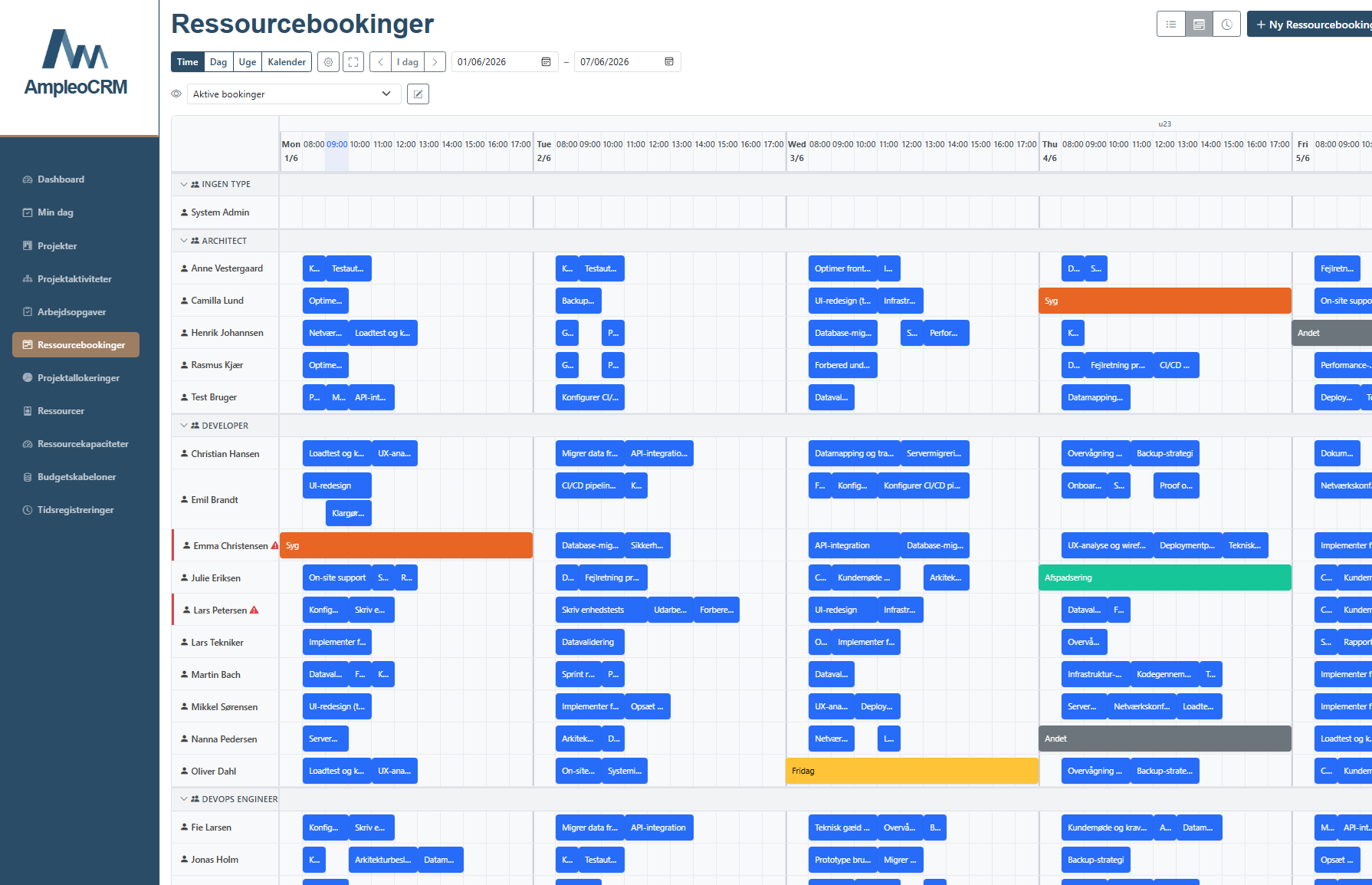
Resource plan
Drag a booking onto a free technician and see their Outlook meetings at the same time, so nothing overlaps.
Time and materials
The technician records time and materials on the job, and both go onto the invoice.
Service agreements
Create an agreement on the customer in one step, with included usage, overage and annual price adjustment.
Every case carries the customer's history
A case that arrives by contact form, email or phone sits on the customer alongside agreements, earlier cases and correspondence. Whoever picks it up can see what has been promised.
- Queues with priority and status
- Assignment rules that send the case to the right team
- Open cases, response time and SLA on the dashboard
- Inspections and stock on the work order
Planning that holds
A service case arrives through the customer's contact form. The planner drags a booking onto a free technician in the resource plan while seeing that technician's Outlook meetings. A job that needs two people is linked, so both bookings move if the customer changes the day.
The technician sees the job in the mobile app and records time and materials on site. The whiteboard and the paper slips are no longer part of it.
Try it with your own cases
Start a trial and add your first service cases, or book a walkthrough of the planning.